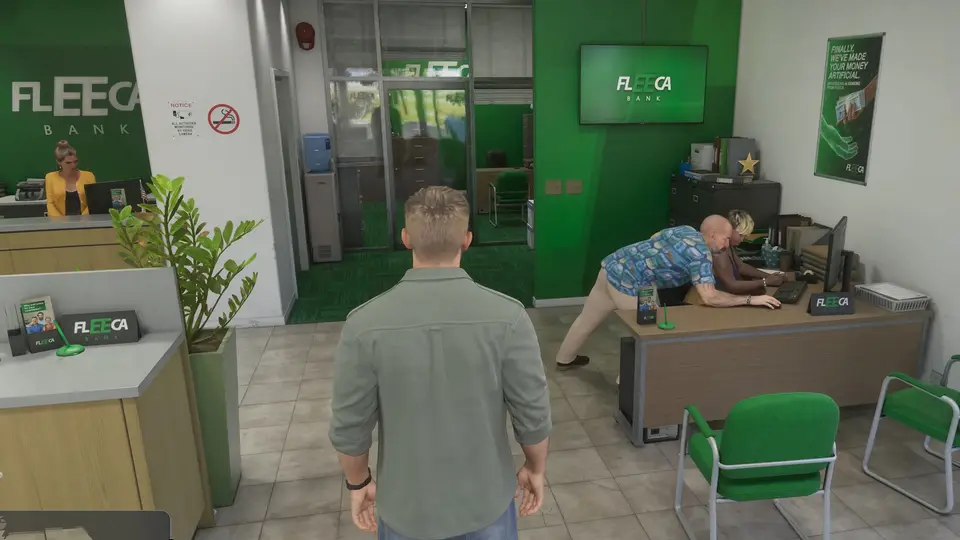
Chapter 1 · Mission #13
Buck Me
To get paid for her community service, Lucia needs a bank account, so she and Jason meet up at the Fleeca bank.
Objectives
- 1Go to the Fleeca Bank
- 2Ask About Opening an Account
- 3Open BuckMe
- 4Move Money into Family Savings
Show the walkthrough (contains story spoilers)
Go to the Fleeca Bank
Roughly half a day after Coming Home, Lucia phones Jason: she needs somewhere for her community service payments to go. Since neither of them has a bank account, Jason arranges to meet her at Key Lento's Fleeca branch.
Ask About Opening an Account
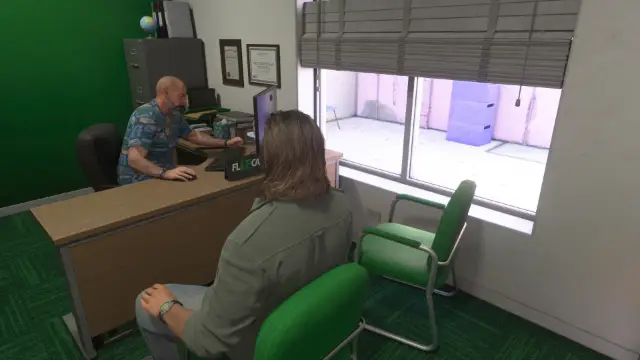
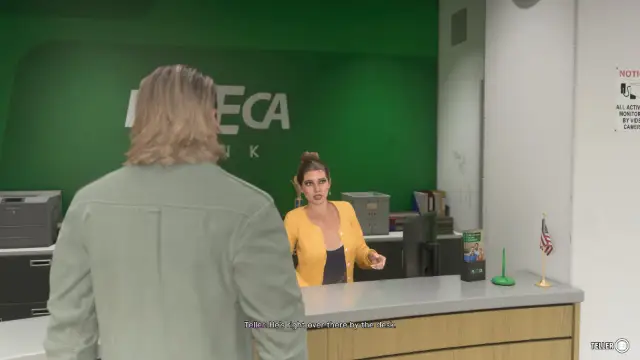
Speak to the teller, who points you to the manager sitting at the corner table on the right, then follow him to his office. Thanks to your terrible credit, an account is out of the question, so he recommends a fintech app named BuckMe.
Open BuckMe
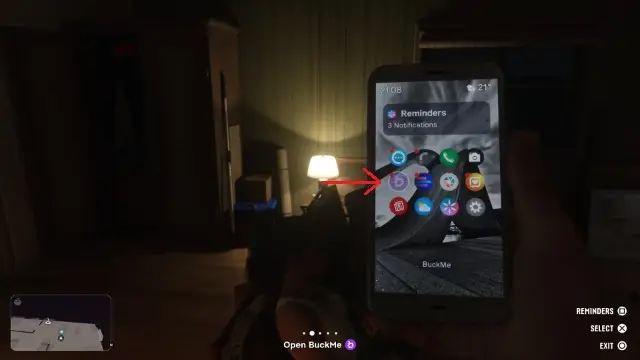
Following a cutscene, you return home to find a $100 welcome bonus in your checking account. Pull out your phone and select the purple "B" icon to start BuckMe.
Move Money into Family Savings
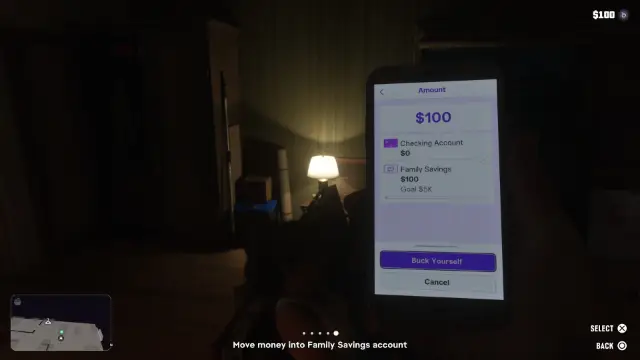
Inside BuckMe, go to the Checking Account menu and pick "Buck Yourself" to transfer the $100 over to Family Savings.
Tip: Nothing can ever be withdrawn from Family Savings, but the money in it is also never lost. Every savings goal you hit raises your checking limit and unlocks discounts. BuckMe handles any purchase above $1,000, and dying costs you the cash in your pocket, so make regular deposits at ATMs.
Tell Lucia about your savings?
Jason lets Lucia know about the money he's been setting aside.
• Your relationship with Lucia goes up
Jason doesn't mention his savings to her.
• Your relationship with Lucia goes down
Tip: The first Family Savings target is $5,000.
Rewards
BuckMe app (bank account)
Unlocked
- Mission number
- #13
- Chapter
- Chapter 1
- Type
- Mandatory Mission
- Mission giver
- Lucia Caminos
- Playable as
- Jason Duval
- Required for 100%
- Yes